
Add-on: Bizzy Booking
Your Calendar, Your Clients, Your Domain
Clients choose a service, a person and a free time on your website, then pay now or later, and your team's calendar keeps up by itself.

The Problem
Every booking taken by phone is a few minutes of someone's day, and every forgotten appointment is lost income. Bizzy Booking puts your real availability on your website: customers choose a service, a time and - if you allow it - who they see, and the booking lands on your team's calendar.
Reminders go out on their own, customers change or cancel from a link, and paid services can be paid when they book.

For Your Customers
Add a Book button to any page. It opens your booking window at the right service, showing only times that are really free, in the customer's own time zone.
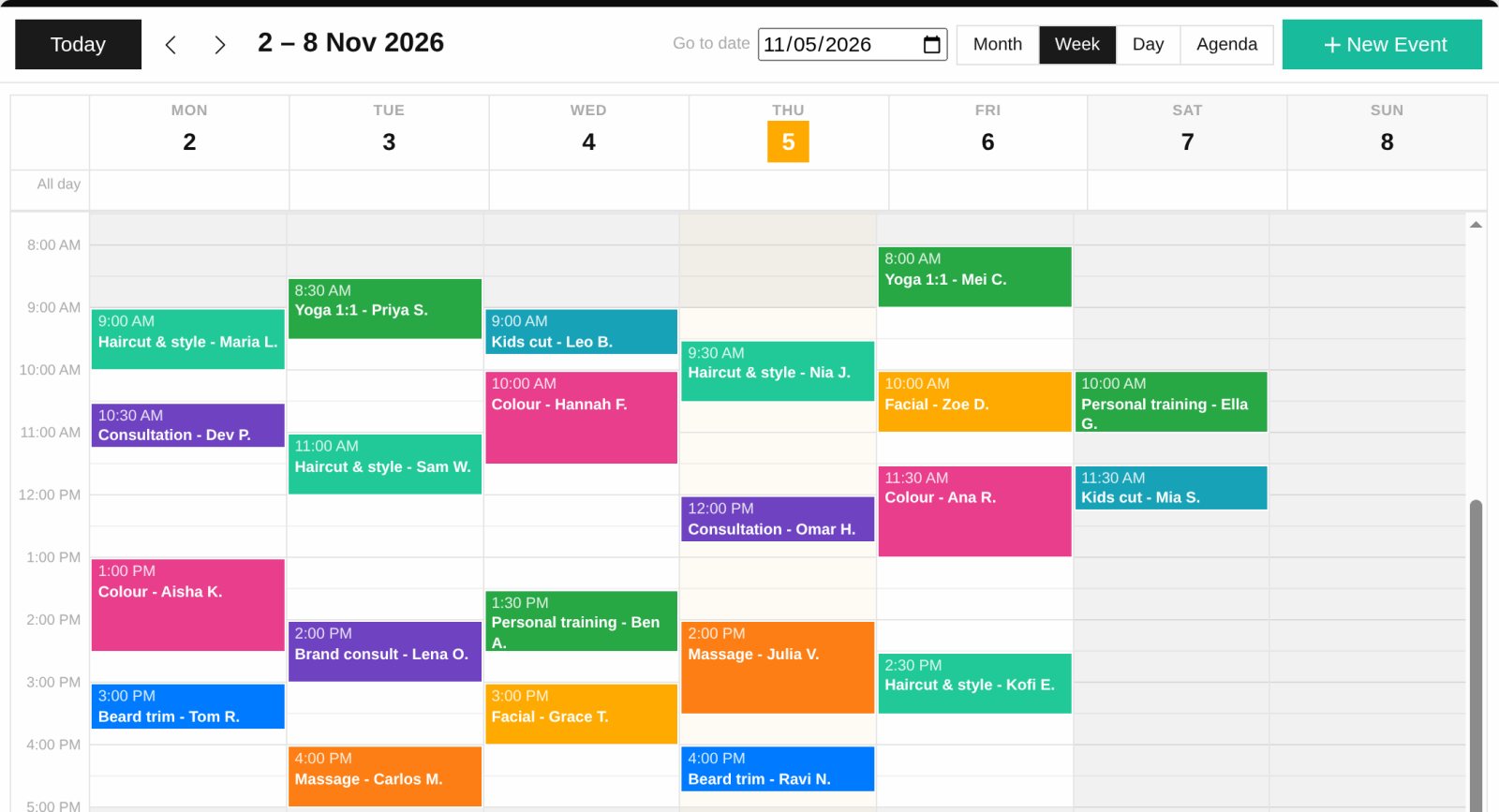
For Your Team
Set up services with their length and price, and the people, rooms and equipment that deliver them, with working hours and time off. Staff book phone and walk-in clients from the same free times, and mark each one completed or a no-show.
What You Get
Who It's For
Stylists, therapists and instructors each with their own hours, services and time off.

Calls and meetings booked straight into your calendar, paid in advance if you choose.

Practitioners, rooms and equipment, each with its own hours, and a reminder before every appointment.

Questions
No. They choose a time, give their details and get a confirmation by email with a link to change or cancel.
Yes. Per service, clients pay when booking or later from a pay link, into your own Stripe account. No transaction fees from us: you pay only Stripe's own fees.
Every confirmed booking appears in Bizzy Calendar, for the person, room or equipment it is with, and clients can add it to their own calendar from their email. Other events in a calendar don't block free times.
Yes. Staff find a client by name, email or phone and book them in from the admin.
The 14-day money-back guarantee covers your first sign-up. An add-on bought later isn't covered, so book a demo first and see it working.
Book a demo through Bizzy Booking itself, and use the same booking window your clients would.